Browser-based flyer editor
Flyer Studio
Design a flyer. Download the image. No account needed.
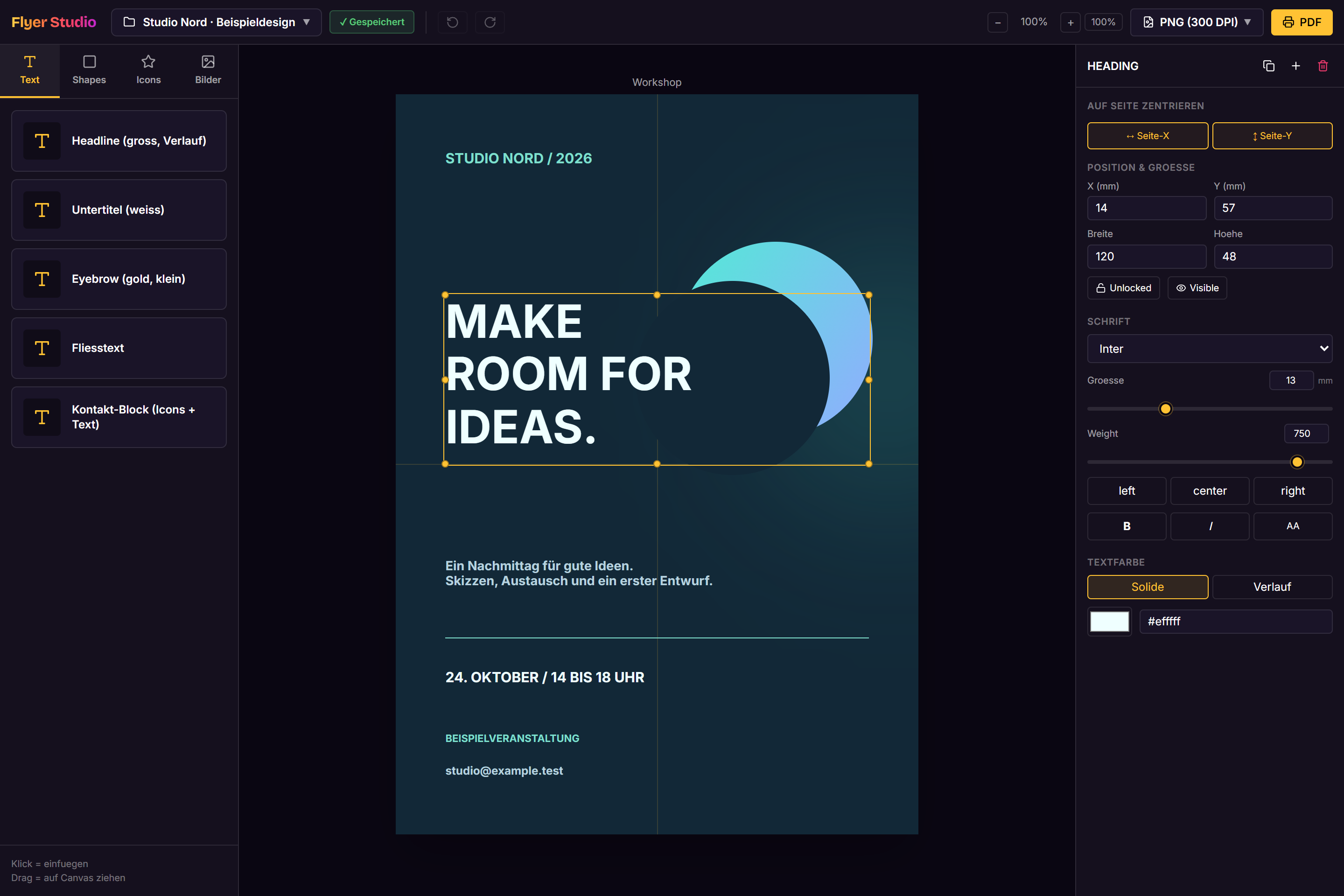
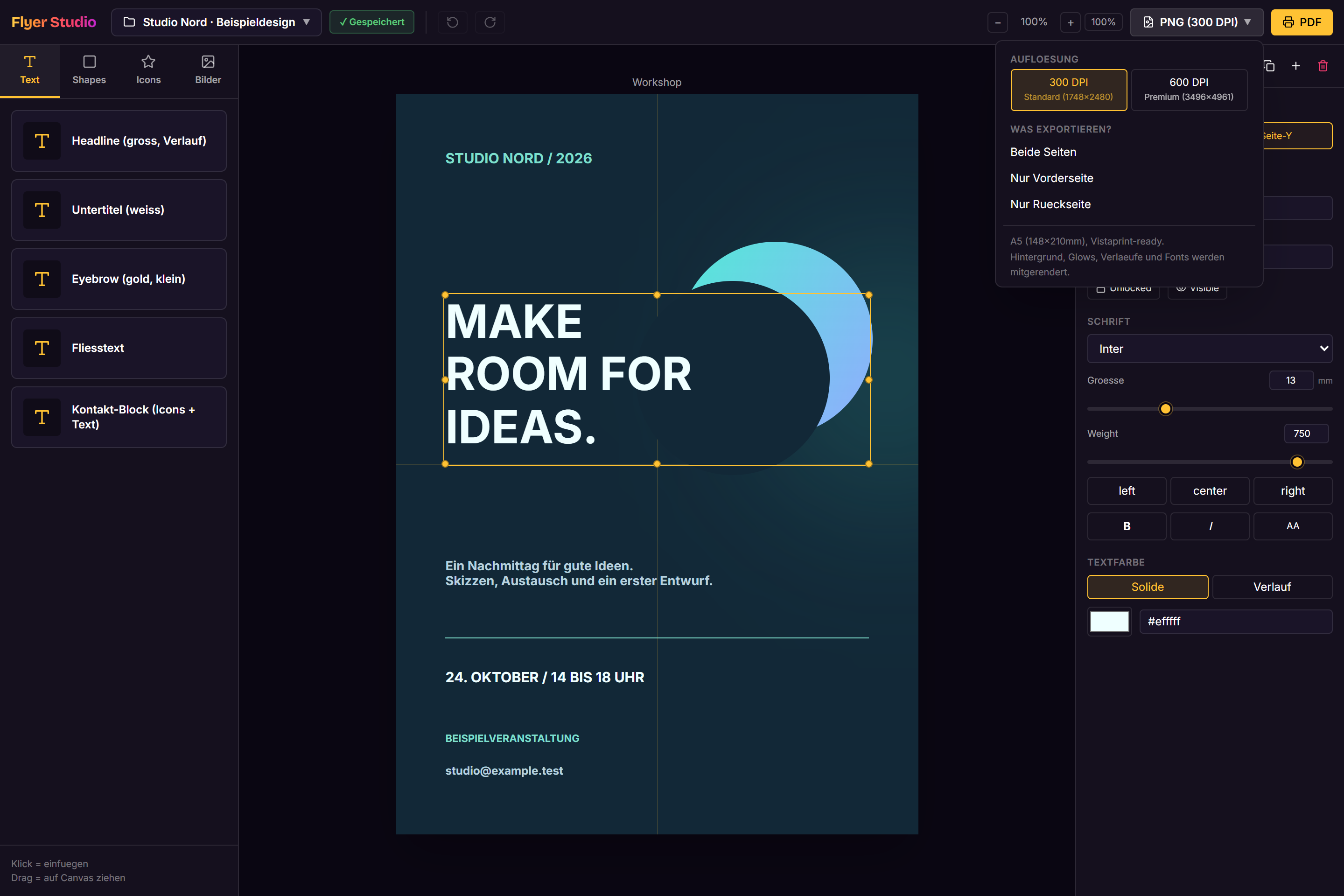
Edit text, shapes and images on the canvas, adjust colours and export a finished flyer as a PNG. Drafts stay saved in the browser.
1Commit
Built, one commit at a time
As of About this number
Counts the commit history of the associated repositories on their default branches. The number includes all contributors up to the date shown.
01 / What it does
A quick flyer does not always need a large design application. Flyer Studio runs in the browser and lets you edit text, shapes, images and contact details directly on the canvas. Drafts are saved locally and can be shared as project files or exported as high-resolution images.
02 / What I built
Design on the canvas
Built a canvas with movable elements, multi-selection, alignment, zoom and undo.
Colour and typography
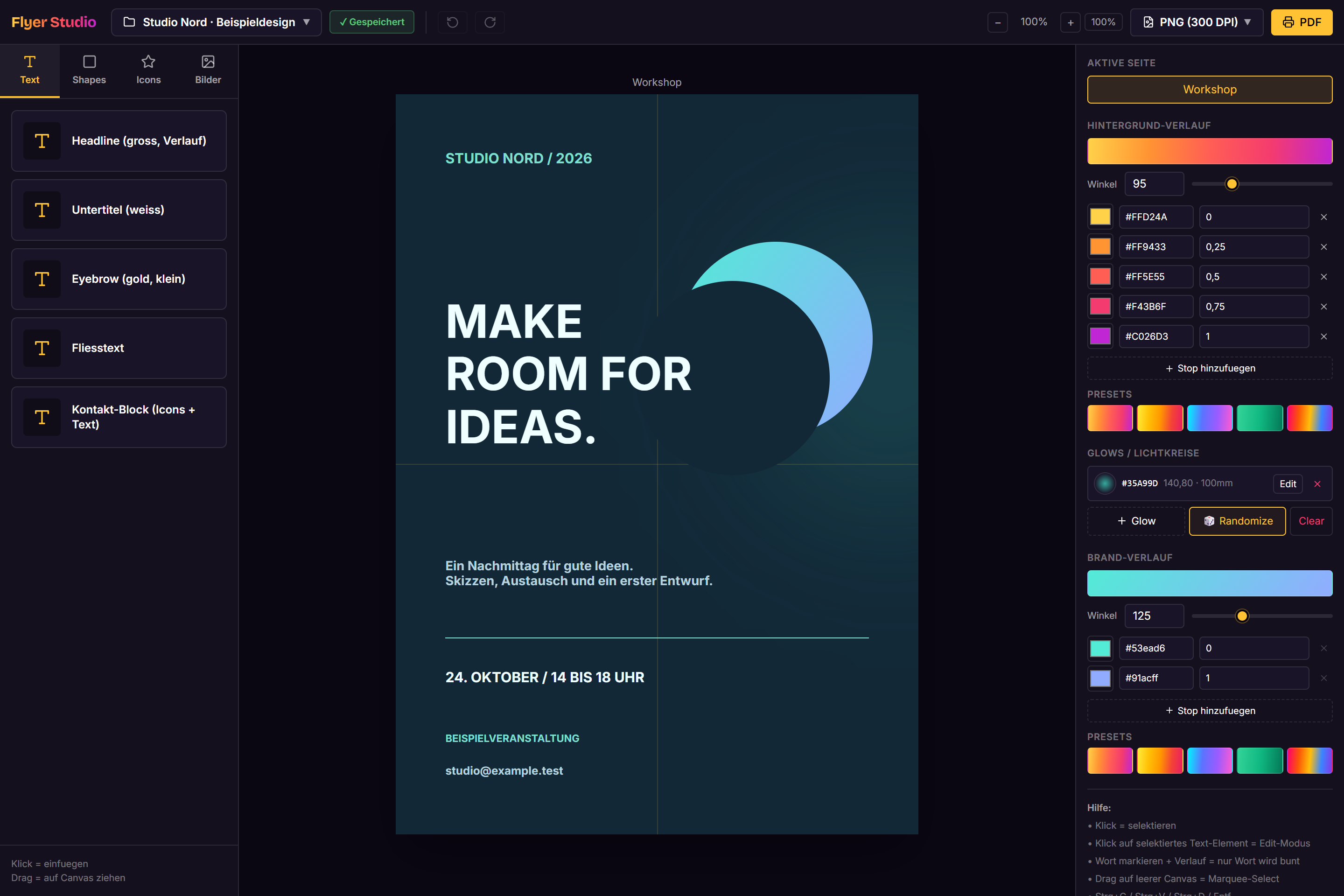
Added controls for typography, gradients, shapes and glows, with reusable text and contact blocks.
Save and export
Implemented local saving, project file import and export, and PNG output at selectable resolutions without a login.
Screenshots